Install Wekan Snap
Wekan allows anyone to easily work with and modify it. It also allows you to host it on your own server, which ensures that you have complete control over your data and can manipulate it as you wish.
Install Wekan snap
You should update your debian server packages:
Now it’s time to install Wekan:
Now, You need to configure the root of the web URL for Wekan:
Then, you can use the following command to set the Wekan http port:
Note: Set a port number to one that isn’t in use. You can use whatever port you want—we use port 3001—but don’t use a common one, like 22, 25, 443, 80, etc.
Now you should restart the MongoDB service on snap:
Then you need to also restart the Wekan service on snap:
You can run the following command to check the status:
In the next step, you should enable the Wekan service to start on system boots:
Now, you need to install MongoDB tools by the following command:
Next, you have to restart Wekan:
Finally, you should reload snap:
How to Access Wekan Web Interface
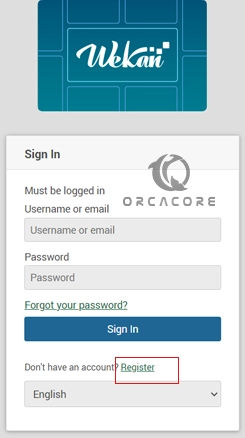
Note: that to access Wekan Web Interface, you should have an administrator account. To do this first, open your web browser and enter the following URL:
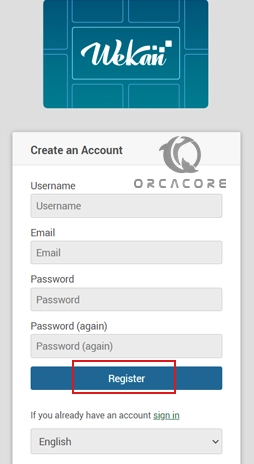
Then you should create an account on the registration page.
After creating an account, you can access the Wekan Web Interface.
At this point, you will see your Wekan dashboard.

Bibliography: