3. Install MariaDB Server
MariaDB is a popular database server, used in many environments. The installation is simple and requires just a few steps as shown.
Once the installation is complete, enable MariaDB (to start automatically upon system boot), start the web server and verify the status using the commands below.
Finally, you will want to secure your MariaDB installation by issuing the following command.
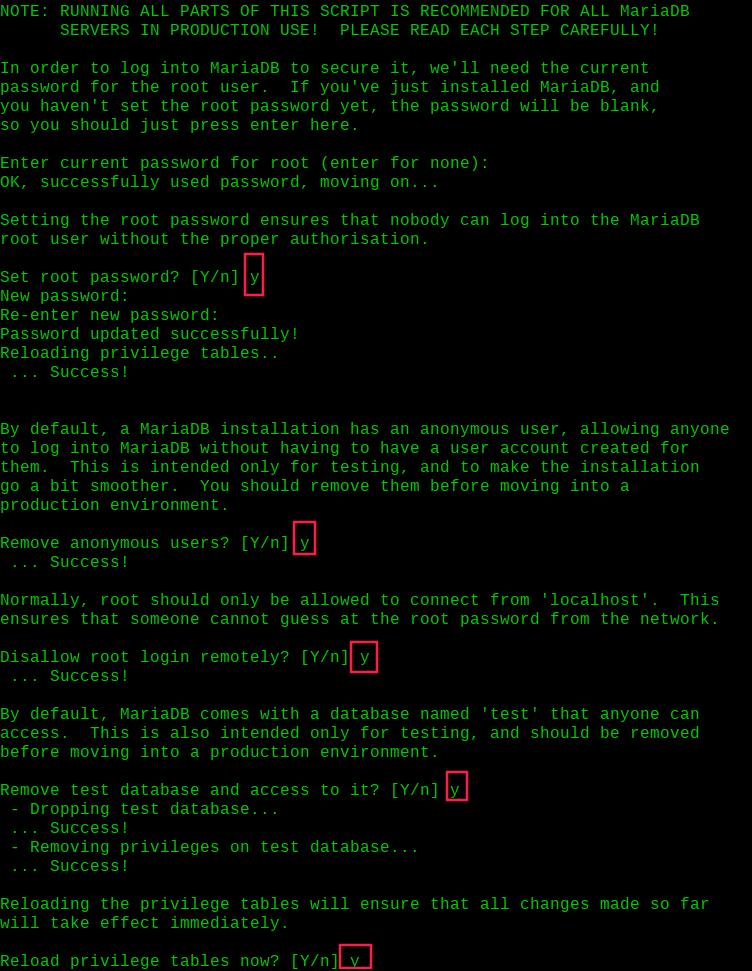
You will be asked a few different questions regarding your MariaDB installation and how you would like to secure it. You can change the database root user password, disable the test database, disable anonymous users, and disable root login remotely.
Here is an example:
Once secured, you can connect to MySQL and review the existing databases on your database server by using the following command.
